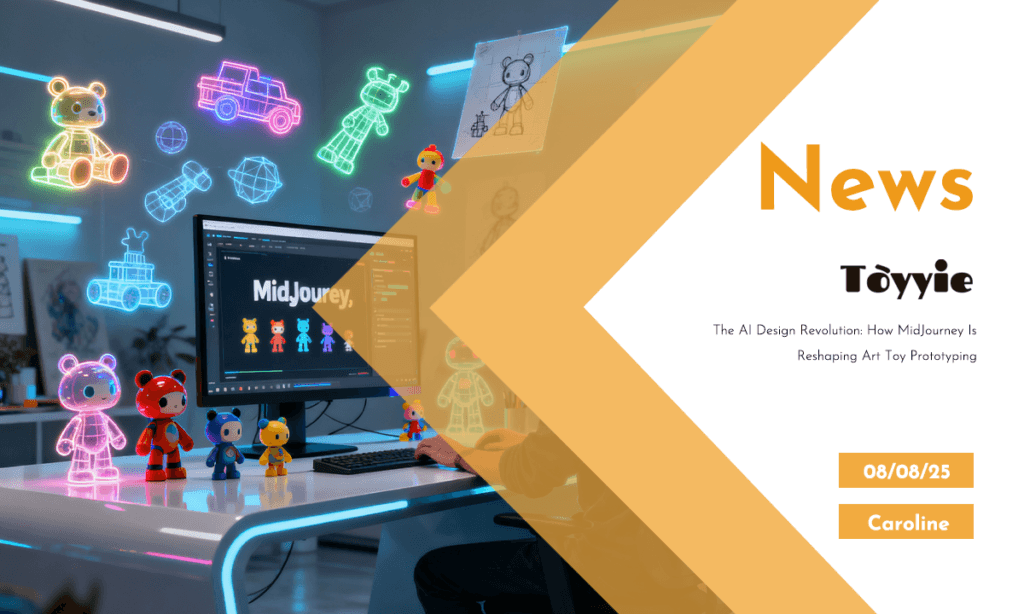
🤖 AI-Driven Art Toy Prototyping: Leverage AI-powered design tools like MidJourney to optimize early-stage prototyping, enabling rapid concept iteration and enhanced product development efficiency in premium toy manufacturing.
At TOYYIE, a leader in premium toy manufacturing, we integrate advanced AI design technologies such as MidJourney to revolutionize the art toy prototyping process. This integration accelerates concept ideation and enhances design precision for global markets.
🚀 Transforming Art Toy Prototyping with AI
| Stage | Traditional Duration | AI-Enhanced Duration | Technical Impact |
|---|---|---|---|
| Concept Ideation | 1-2 weeks | Minutes to hours | Rapid generation of multiple design variations using AI prompting |
| Sketch Development | 2-3 weeks | 1-2 days | AI outputs provide detailed visual references reducing manual sketch iterations |
| Style Exploration | 1 week | Hours | Multi-style rendering enables versatile market adaptation |
| 3D Modeling Prep | 2-4 weeks | Reduced by 30% | Clear AI-generated concepts improve modeler accuracy and reduce rework |
| Prototype Finalization | 3-6 weeks | Accelerated by 20% | Optimized feedback loop between AI concepts and manual refinement |
| Client Feedback Cycles | Multiple rounds | Consolidated into fewer iterations | Enhanced visualization aids faster decision-making |
| Overall Project Time | 8-12 weeks | Reduced by ~40% | Streamlined workflow integration with AI boosts time-to-market |
Integrating MidJourney for Concept Ideation
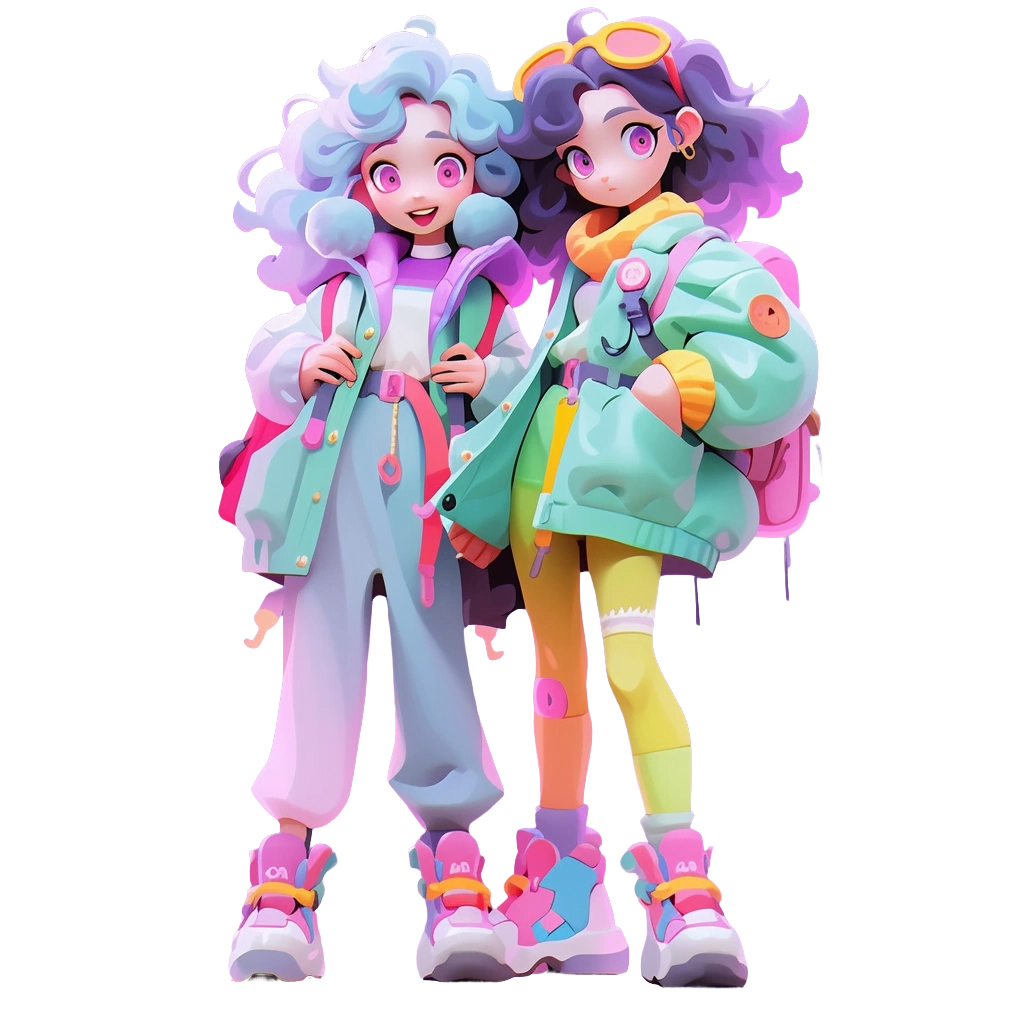
Utilizing generative AI algorithms, MidJourney enables TOYYIE designers to transform textual prompts into multiple high-fidelity visual sketches within minutes. This capability allows for rapid exploration of character silhouettes, textures, and color palettes, significantly compressing the ideation phase.
TOYYIE Insight: By integrating MidJourney, TOYYIE reduces concept sketch development from up to 3 weeks to under 48 hours, achieving a 70% acceleration in early-stage prototyping without compromising design integrity.
Multi-Style Visual Exploration for Market Adaptation
MidJourney supports diverse aesthetic renderings — from streetwear influences to minimalist Scandinavian designs — allowing for strategic product line diversification. This flexibility ensures that prototypes align with specific regional market preferences, particularly in North America and Europe.
TOYYIE Insight: TOYYIE prototypes comply with EN71-1 (Mechanical and Physical Properties) and ASTM F963-17, with AI-aided workflows facilitating early identification and mitigation of compliance risks.
Hybrid Workflow: AI Outputs Complementing Human Expertise
While AI-generated images serve as foundational references, TOYYIE’s expert illustrators refine designs to meet stringent quality standards. This hybrid method leverages AI’s rapid output with human creativity and precision, optimizing design for manufacturability and visual appeal.
Design for Manufacturability (DFM) Considerations
AI-assisted prototyping incorporates early-stage assessment of material selection (ABS, PVC, Resin), surface textures, and color fidelity. This ensures seamless transition from 2D concepts to 3D modeling, reducing tooling modifications and production iterations.
Compliance and Quality Standards Integration
TOYYIE embeds compliance with ISO 8124, EN71, and ASTM F963 in the prototyping workflow, enabling early evaluation of safety and durability parameters. AI-assisted design expedites adjustments necessary to meet these rigorous toy safety standards.
AI-Driven Capabilities Enhancing Toy Manufacturing
- Concept Generation: Rapid multi-variant character visualization using AI prompts.
- Style Diversification: Efficient adaptation across global market aesthetics.
- Hybrid Design Workflow: AI outputs as foundational references for human refinement.
- DFM Integration: Early-stage manufacturability considerations embedded in design.
- Compliance Alignment: Proactive integration of ISO, EN71, and ASTM standards.
- Time-to-Market Optimization: Up to 40% reduction in prototyping cycle duration.
TOYYIE — Your Partner in AI-Enhanced Toy Innovation
Empower your product development with TOYYIE’s expertise in AI-assisted prototyping and global compliance standards to deliver premium art toys efficiently.
Discover our AI-driven manufacturing solutions →