📌 Introduction📌
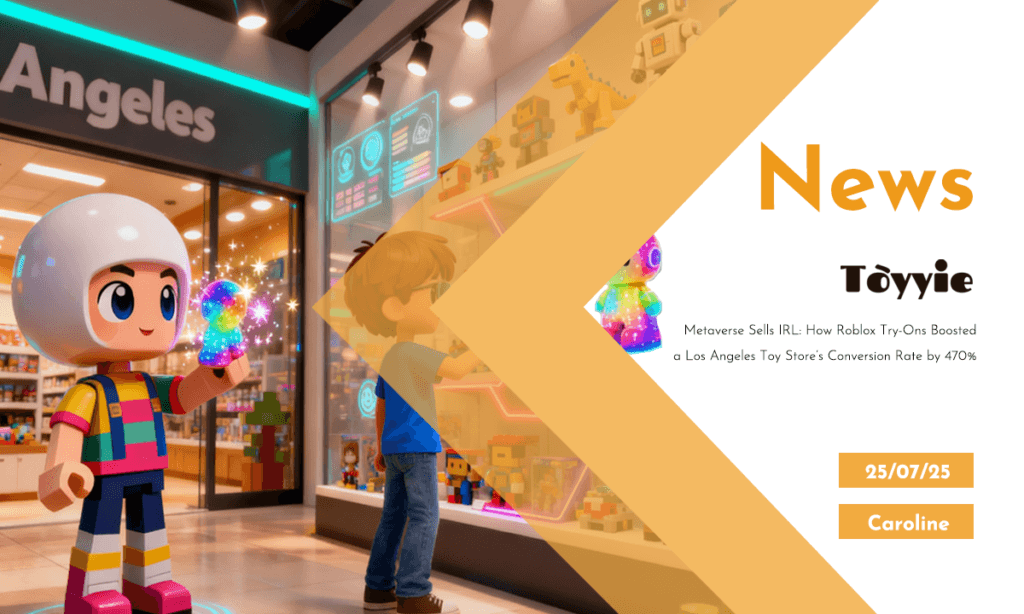
In today’s hybrid world where physical and digital experiences blur together, the lines between browsing and buying are being redrawn — not by retail giants, but by toys, avatars, and game engines. One compelling example? A toy store in Los Angeles recently reported a **470% increase in in-store conversions** — all thanks to an unexpected channel: **Roblox**.
This wasn’t about selling digital collectibles. It was about using a **virtual try-before-you-buy experience**, powered by **digital twin technology**, to drive *real-world* toy sales.
Let’s break down what’s happening — and how you can apply the same ideas to your own collectible brand or toy design business.
🎮 What Is a “Virtual Try-On” in the Toy World?
In fashion, you’ve likely seen AR mirrors or digital fitting rooms. In toys, the concept is more creative and playful.
Imagine this: before walking into a physical shop, kids or collectors can log into a Roblox experience where they:
**Hold and rotate** the toy in 3D
**Trigger animations** (like “squish,” “light-up,” or “pose” modes)
**Interact with accessories**
**Customize colors or character names**
This virtual preview builds emotional attachment. When they *do* visit the physical store, they already know what they want. In marketing terms, this massively shortens the purchase journey.
🧠 What Is Digital Twin Technology?
A **digital twin** is a virtual replica of a physical product. It’s not just a 3D model — it can simulate behavior, test interactivity, and sync with real-world changes.
For toys, that means:
* Replicating the *look, feel, and behavior* of a physical collectible
* Letting users “try” new colorways, accessories, or action functions virtually
* Running **pre-launch feedback** loops with fans
When done well, a digital twin becomes a low-cost, scalable, and globally accessible demo tool — especially powerful for creators with limited shelf space or who sell direct-to-consumer.
🔧 From Blender to Unity: Step-by-Step Demo Workflow
Here’s a simplified, beginner-friendly workflow to create your own interactive toy demo:
1.Create a 3D Model in Blender
Start with photos or sketches of your toy
Use Blender’s sculpting and texturing tools to build the model
Don’t forget to **optimize polygon count** for performance in Roblox or Unity
Tips:
Use clean topology for smoother animations
Bake textures for consistent visual fidelity across devices
2. Rig and Animate the Toy
Add bones or deformers to enable movements like waving, twisting, or bouncing
Animate key behaviors (like “wave,” “glow,” “transform,” etc.)
Tool:
Blender’s Auto-Rig Pro or Mixamo (for fast humanoid rigs)
3. Import into Unity
Export your Blender file as `.fbx` and bring it into Unity
Set up **interactions** using Unity’s event triggers:
Tap to animate
Swipe to rotate
Click to change color
Use Unity’s **URP (Universal Render Pipeline)** for mobile-friendly, high-quality visuals.
4. Connect to Roblox or Web Platform
Roblox Studio accepts .fbx models and supports animations and Lua scripting
Create a branded game where fans can explore your toy world
Add “Buy in Real Life” call-to-action with store locator or product link
**Alternative:** For web, use [Three.js](https://threejs.org) or [Sketchfab](https://sketchfab.com) to embed interactive models directly on your site or landing pages.
📈 Real-World Results: Why It Works
Back to that Los Angeles toy store — here’s what they did right:
Promoted the Roblox experience via QR codes in-store and on packaging
**Let customers customize their avatar with matching merch** (both virtual and real)
**Gathered real-time data** on which characters were most interacted with
The result?
470% increase in in-store conversions
Better inventory planning** (based on virtual demand signals)
Higher brand loyalty**, especially from kids who “bonded” with their toy virtually
🧩 Can Indie Creators Use This?
Absolutely. You don’t need to be a game developer. Here’s how small creators can start:
✅ What You Can Try Today:
Use Blender to create basic 3D previews of your prototypes
Upload to free viewers like **Sketchfab** for interactive display
Share these links in email campaigns, on Instagram bio, or with retailers
Partner with Roblox creators to host a mini “toy world” inside the platform
❌ What to Avoid:
Overbuilding complex virtual worlds before testing core engagement
Using ultra-realistic models that slow down mobile devices
Ignoring storytelling — virtual experiences need a *reason* to exist beyond novelty
🛠️ Bonus: Tools & Resources
| Tool | Use |
| **Blender (Free)** | 3D modeling & animation |
| **Unity (Free tier)** | Game engine for interactivity |
| **Roblox Studio** | Virtual world builder with social reach |
| **Sketchfab** | Embeddable 3D previews |
| **ZapWorks / 8thWall** | AR tools for WebAR interactivity |
| **Notion / Trello** | Track modeling, script writing, and launch timelines |
🎯 Conclusion: Physical Toys, Powered by Virtual Play
Metaverse platforms like Roblox aren’t just distractions — they’re *distribution channels*. With the right tools, even small toy creators can design virtual previews that drive real-world sales.
By investing in digital twin experiences — even simple ones — you give fans more ways to engage, more reasons to buy, and more reasons to come back.
The future of toys isn’t just on shelves — it’s online, interactive, and infinitely scalable.
If you’re curious how to build your first virtual twin, or want a custom workflow template, just reach out! Happy creating 👾✨